


All steps to recreate the platform in Lovable. Each step = one prompt. AI powered by Claude (Anthropic).
Step 1 — Project & Design System
Prompt: Create a new Lovable project called "DevGTM Mesh". Set up a dark navy theme (bg: hsl 232 30% 10%), purple primary (#7c3aed), teal accent (#2dd4bf). Use Inter font. Add sidebar navigation with collapsible icon mode.
✅ Dark theme with sidebar layout created
Step 2 — Authentication
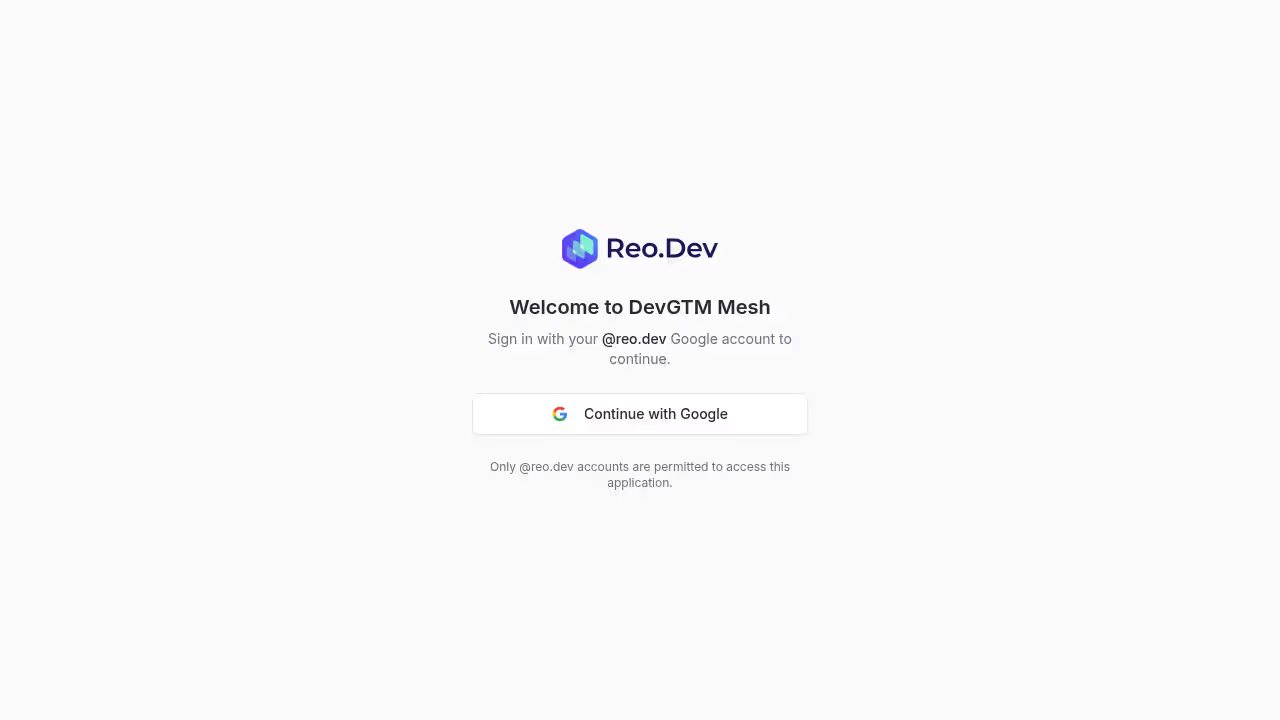
Prompt: Add email/password authentication with a login page. Dark themed login form with the Reo.Dev logo. Protect all routes behind auth. Add Google OAuth.
✅ Login page with email + Google auth, protected routes
Step 3 — Database Schema
Prompt: Create these tables: accounts (name, domain, industry, employee_count, signal_score, status), activities (account_id FK, type, title, description, source, timestamp), integrations (name, category, icon, api_key, is_connected, last_synced), sync_statuses (integration_id FK, status, records_synced, last_sync, error_message).
✅ Core tables with RLS policies
Step 4 — Seed Integrations
Prompt: Seed the integrations table with: HubSpot (CRM), Reo.Dev (Developer Intelligence), Fireflies (Meeting Intelligence), Instantly (Email Outreach), HeyReach (LinkedIn Outreach), Firecrawl (Web Scraping). All start disconnected.
✅ 6 integrations seeded
Step 5 — Integrations Page
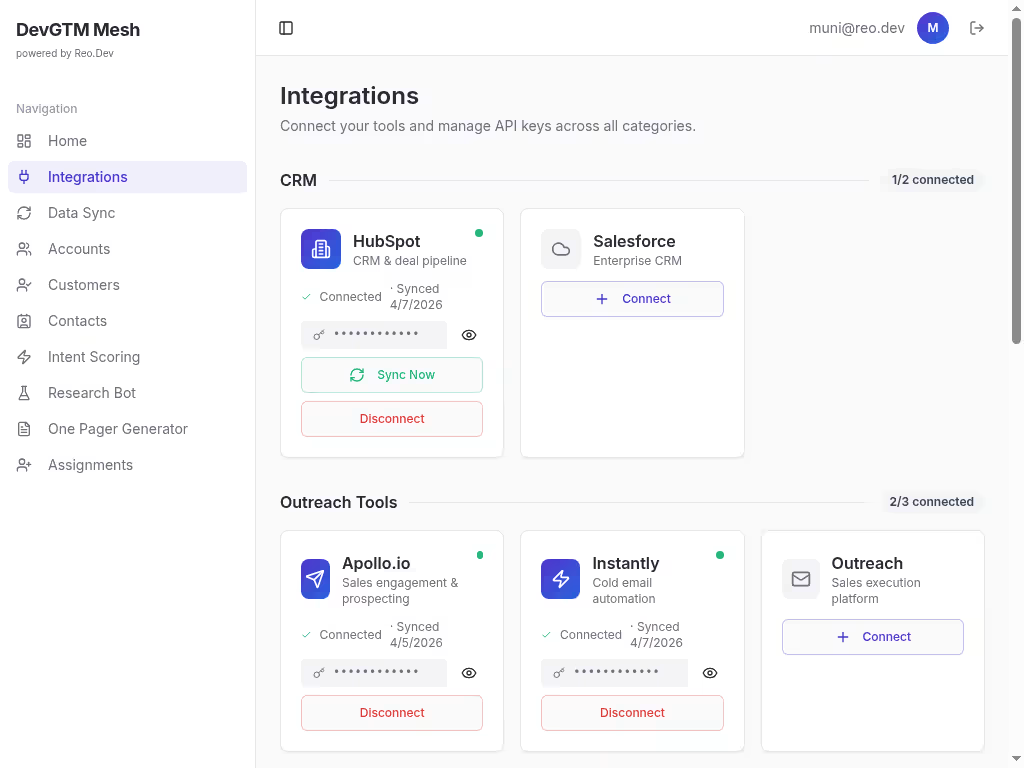
Prompt: Build an Integrations page showing all integrations as cards. Each card shows name, category, connection status. Click a card to open a detail page where users can enter their API key and connect/disconnect.
✅ Integration cards with detail/config pages
Step 6 — HubSpot Sync
Prompt: Create an edge function sync-hubspot that fetches companies, contacts, and deals from the HubSpot API using the stored API key. Store results in hubspot_companies, hubspot_contacts, hubspot_deals tables. Update sync_statuses on completion.
✅ HubSpot sync with 3 entity types
Step 7 — Reo.Dev Sync
Prompt: Create sync-reo-dev edge function. Fetch accounts, developers, buyers, and activities from the Reo.Dev API (bearer token auth). Store in reo_accounts, reo_developers, reo_buyers, reo_activities tables.
✅ Reo.Dev sync with 4 entity types
Step 8 — Fireflies Sync
Prompt: Create sync-fireflies edge function using the Fireflies GraphQL API. Fetch meeting transcripts with summaries, action items, sentiment, and participants. Store in fireflies_transcripts.
✅ Fireflies meeting transcript sync
Step 9 — Instantly Sync
Prompt: Create a sync function for Instantly email outreach. Fetch campaigns and email analytics via their REST API (api_key query param auth). Store in outreach_sequences and outreach_emails tables.
✅ Instantly email campaign sync
Step 10 — HeyReach Sync
Prompt: Create a sync function for HeyReach LinkedIn outreach. Fetch campaigns and lead lists via their API (X-API-KEY header). Store campaign stats and lead data in outreach_sequences.
✅ HeyReach LinkedIn outreach sync
Step 11 — Firecrawl Scraping
Prompt: Create a Firecrawl edge function for web scraping. Support scrape (single URL) and search modes. Store scraped content in scraped_data table with domain matching to accounts.
✅ Web scraping with Firecrawl v2
Step 12 — Data Sync UI
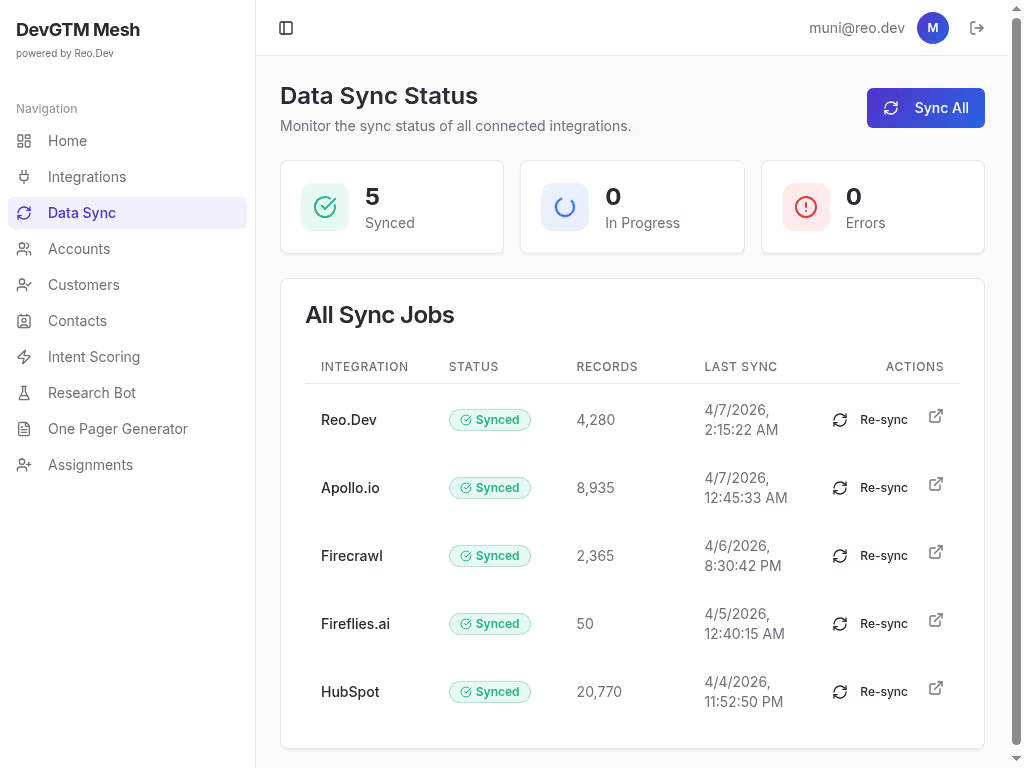
Prompt: Build a Data Sync page showing sync status for all connected integrations. Show last sync time, records synced, status badge (synced/error/pending). Add a "Sync Now" button for each.
✅ Sync dashboard with status cards
Step 13 — Data Normalization
Prompt: Create a normalize-sync-data edge function that merges data from HubSpot, Reo.Dev, and scraped data into the unified accounts table. Match by domain. Create domain_mappings to track source records.
✅ Cross-source data normalization
Step 14 — Accounts Page
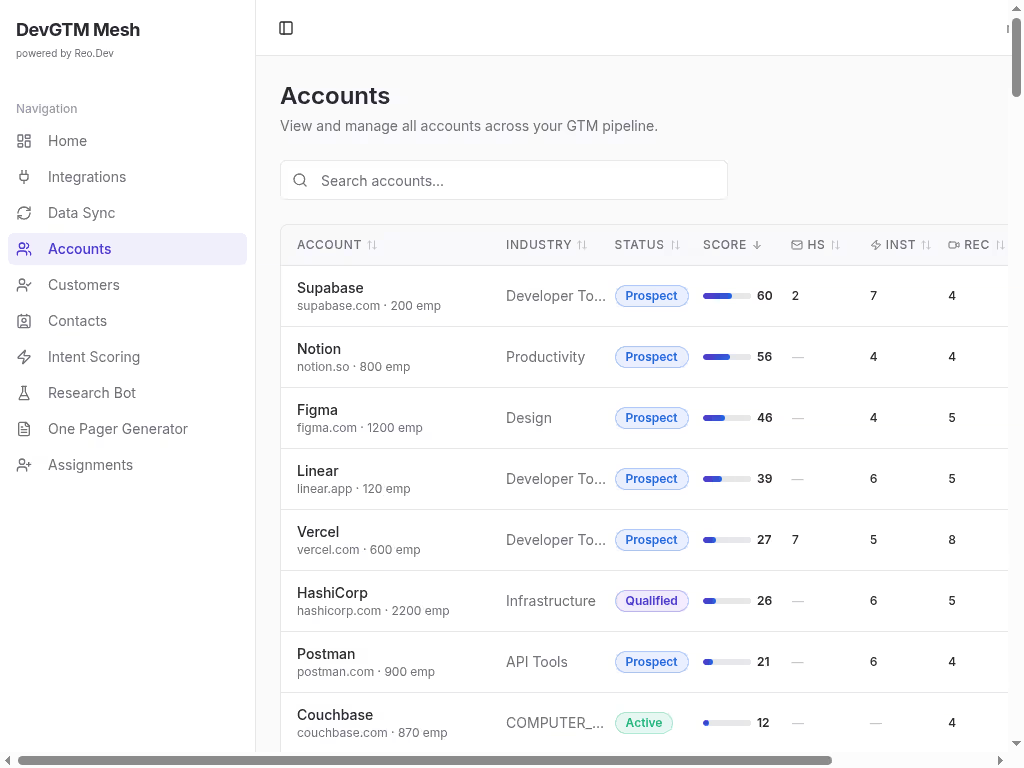
Prompt: Build an Accounts page with a table showing all accounts. Columns: name, domain, industry, signal score (color-coded), status, last activity. Add search and sort. Click a row to open account detail.
✅ Sortable, searchable accounts table
Step 15 — Account Detail + AI Chat
Prompt: Build an Account Detail page showing account info, activities timeline, and an AI chat panel. The chat uses Claude (Anthropic) via an edge function. Stream responses using SSE. Send account context (name, domain, activities) to Claude as system prompt.
✅ Account detail with Claude-powered chat
Step 16 — Claude Edge Function
Prompt: Create account-ai-chat edge function. Use Claude API (Anthropic) with streaming. System prompt includes account context. Parse Claude's SSE format (content_block_delta events). Return as SSE stream to the client.
✅ Claude streaming chat backend
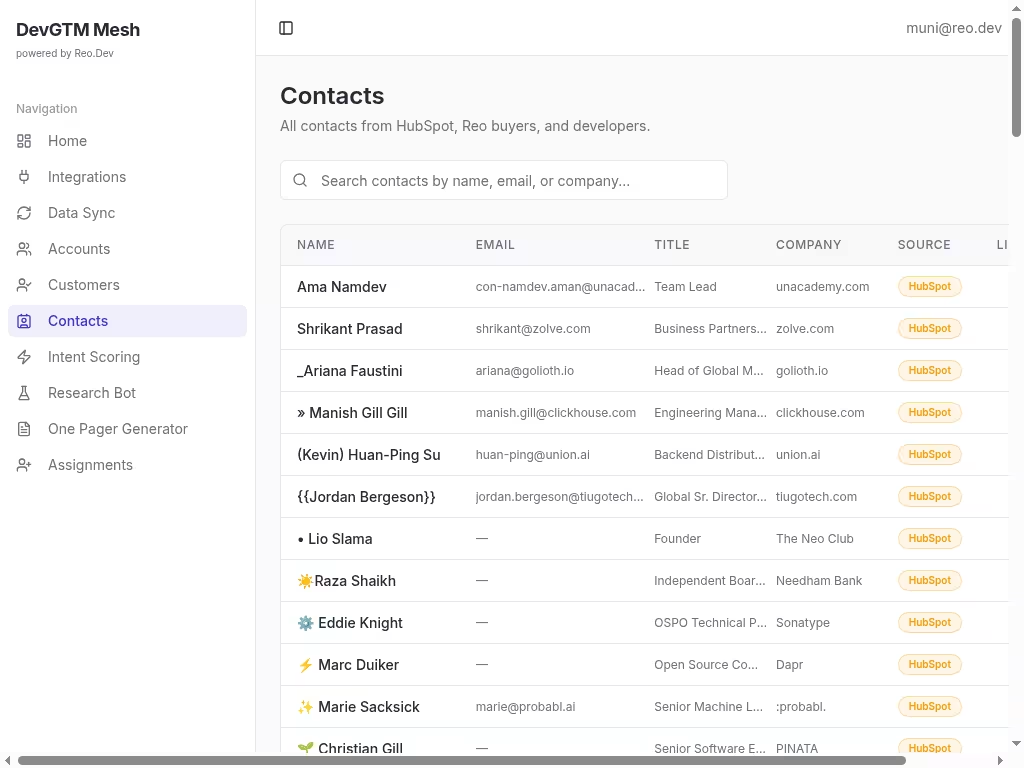
Step 17 — Contacts Page
Prompt: Build a Contacts page showing CRM contacts from crm_contacts table. Show name, email, company, job title, deal stage, lead score. Add search and filters.
✅ Contacts table with filters
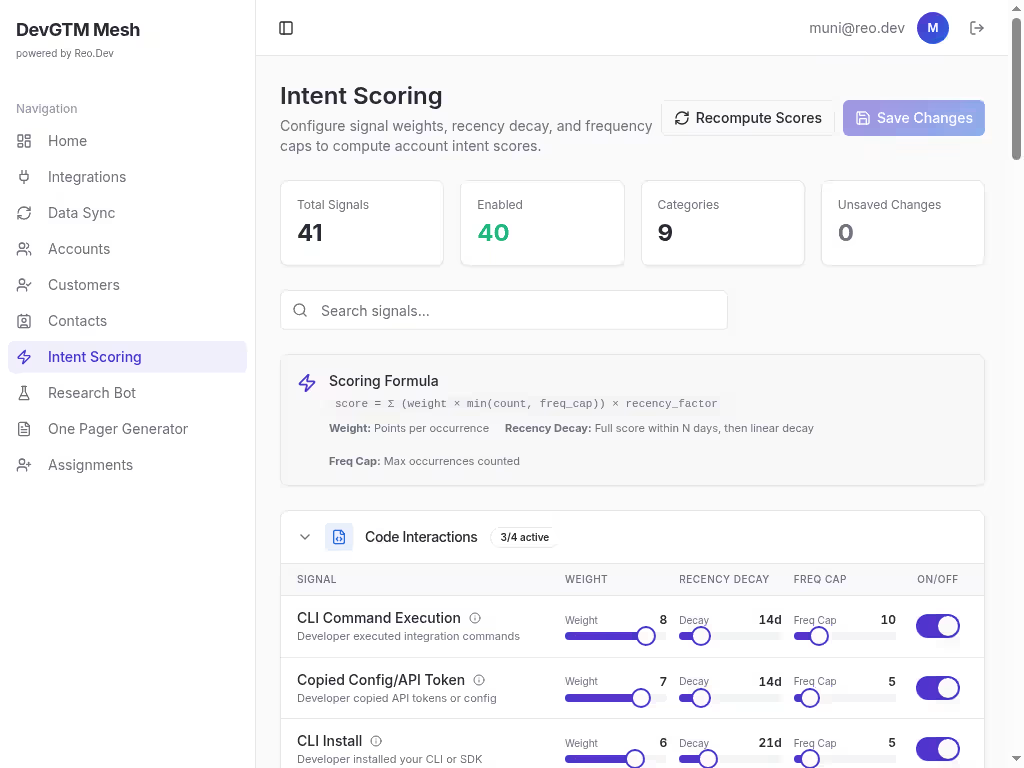
Step 18 — Intent Scoring
Prompt: Build an Intent Scoring page. Create intent_score_config table for signal weights. Create compute-intent-scores edge function that calculates scores from activities, meetings, and developer signals. Show config UI with weight sliders and a "Compute Scores" button.
✅ Configurable intent scoring engine
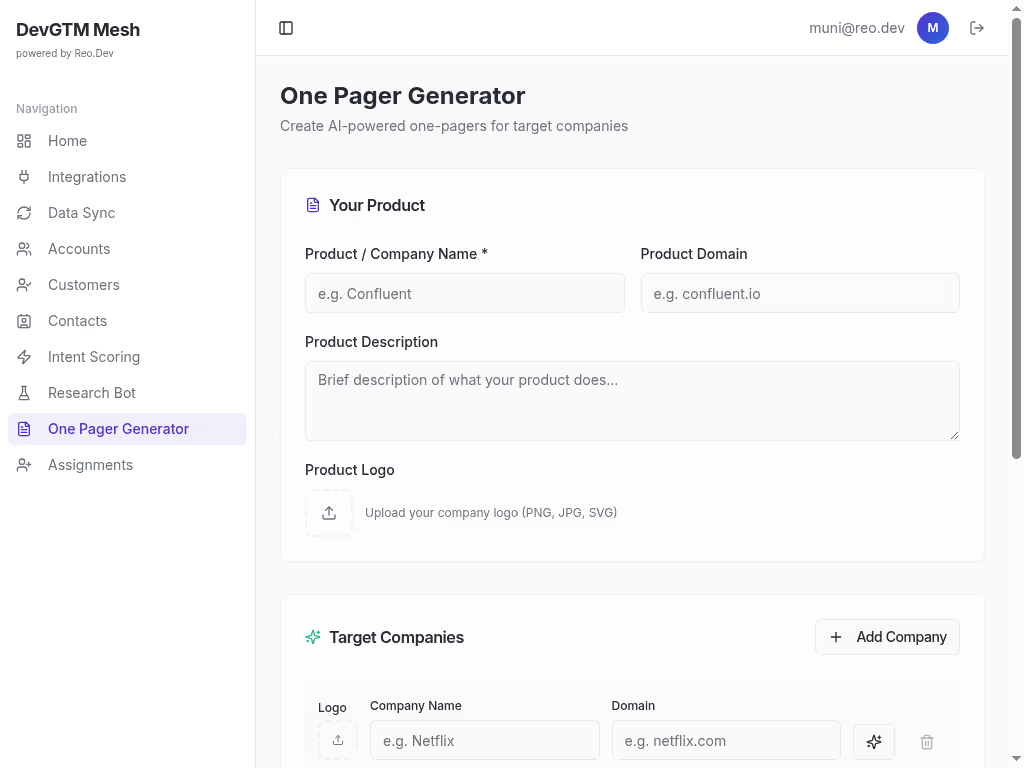
Step 19 — Research Bot
Prompt: Build a Research Bot page. User enters a company domain. Edge function uses Firecrawl to scrape the company website, then sends scraped content to Claude for analysis. Return structured insights: company summary, tech stack, recent news, key contacts.
✅ AI research bot with web scraping + Claude analysis
Step 20 — Pitch Generator
Prompt: Build a Pitch Generator. User selects a target account and enters their product info. Edge function sends account data + product info to Claude to generate a personalized pitch. Create pitch_pages table. Generate a shareable pitch page with unique slug.
✅ Claude-powered pitch generation with shareable pages
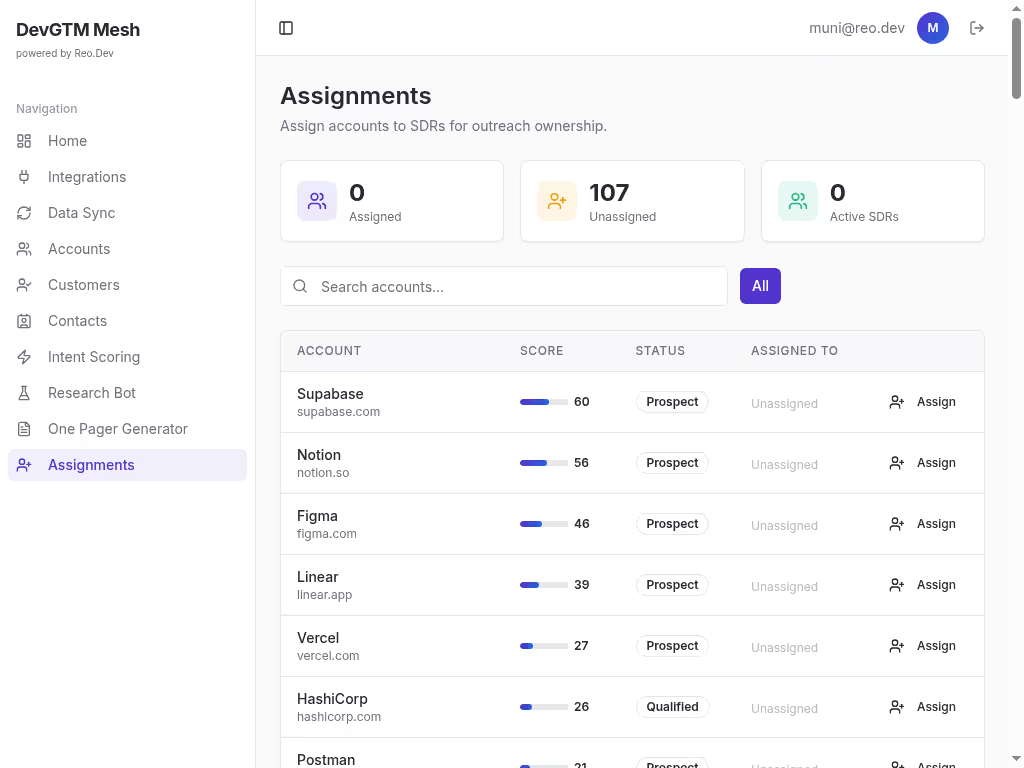
Step 21 — SDR Assignments
Prompt: Build an Assignments page. Create account_assignments table (account_id, sdr_name, sdr_email, notes). Show accounts with their assigned SDR. Add assign/reassign functionality with a dropdown or modal.
✅ SDR assignment management
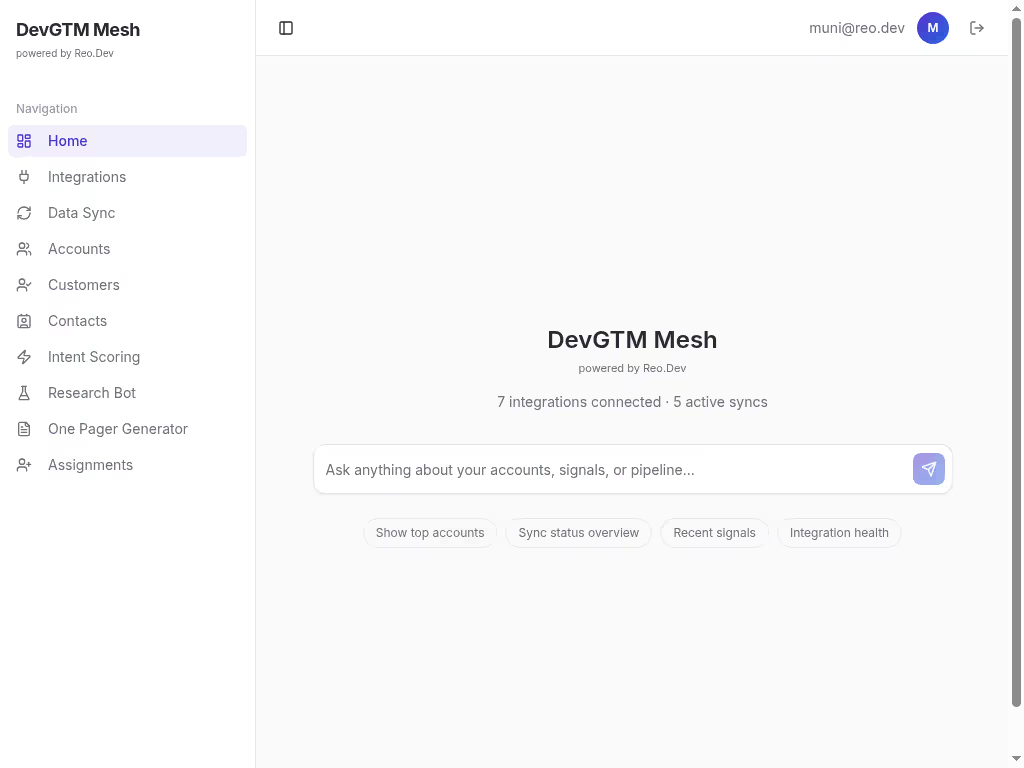
Step 22 — Dashboard AI Chat
Prompt: Replace the dashboard with a central AI chat interface. Show integration stats (connected count, active syncs). Use the same Claude chat edge function but with a global context showing top accounts overview. Add suggested prompts.
✅ AI-first dashboard with global chat
Step 23 — Enrichment Data
Prompt: Create enrichment_data table (domain, company_name, industry_tags, technologies, funding_stage, location, social_profiles). Populate during Research Bot runs and Firecrawl scrapes. Show enrichment badges on account detail pages.
✅ Account enrichment data layer
Step 24 — Meeting Recordings
Prompt: Create meeting_recordings table linked to accounts. During Fireflies sync, match meetings to accounts by participant email domains. Show meetings timeline on account detail page.
✅ Meeting recordings linked to accounts
Step 25 — CRM Deals
Prompt: Create crm_deals table (name, stage, value, probability, expected_close_date). Populate from HubSpot sync. Show deals on account detail and contacts pages.
✅ Deal tracking from CRM
Step 26 — Secrets & API Keys
Required Secrets
Store all secrets via Lovable Cloud secrets management. Never hardcode API keys.
🧠 Want More AI-GTM Ideas Like This?
Follow the team building this stuff every day:
→ [Reo.Dev]


