


🎯 The Goal
Follow target buyers across the internet. Pull everyone in those threads, run them through a Company Brain (an LLM context layer) that knows the ICP, and surface the warm leads.
📦 What You're Building
A system that:
- Pulls intel from relevant posts from Influencers in the space, Competitors, Thought Leaders, etc. via Apify
- Stores their name, title, profile URL, company details
- Evaluates each person via Claude to score relevance against the company's ICP
- Auto-drafts personalized openers for highly-scored target buyers
- Displays an Engaged Leads pipeline counter on the dashboard
⚙️ Setup
1. Clone & Install
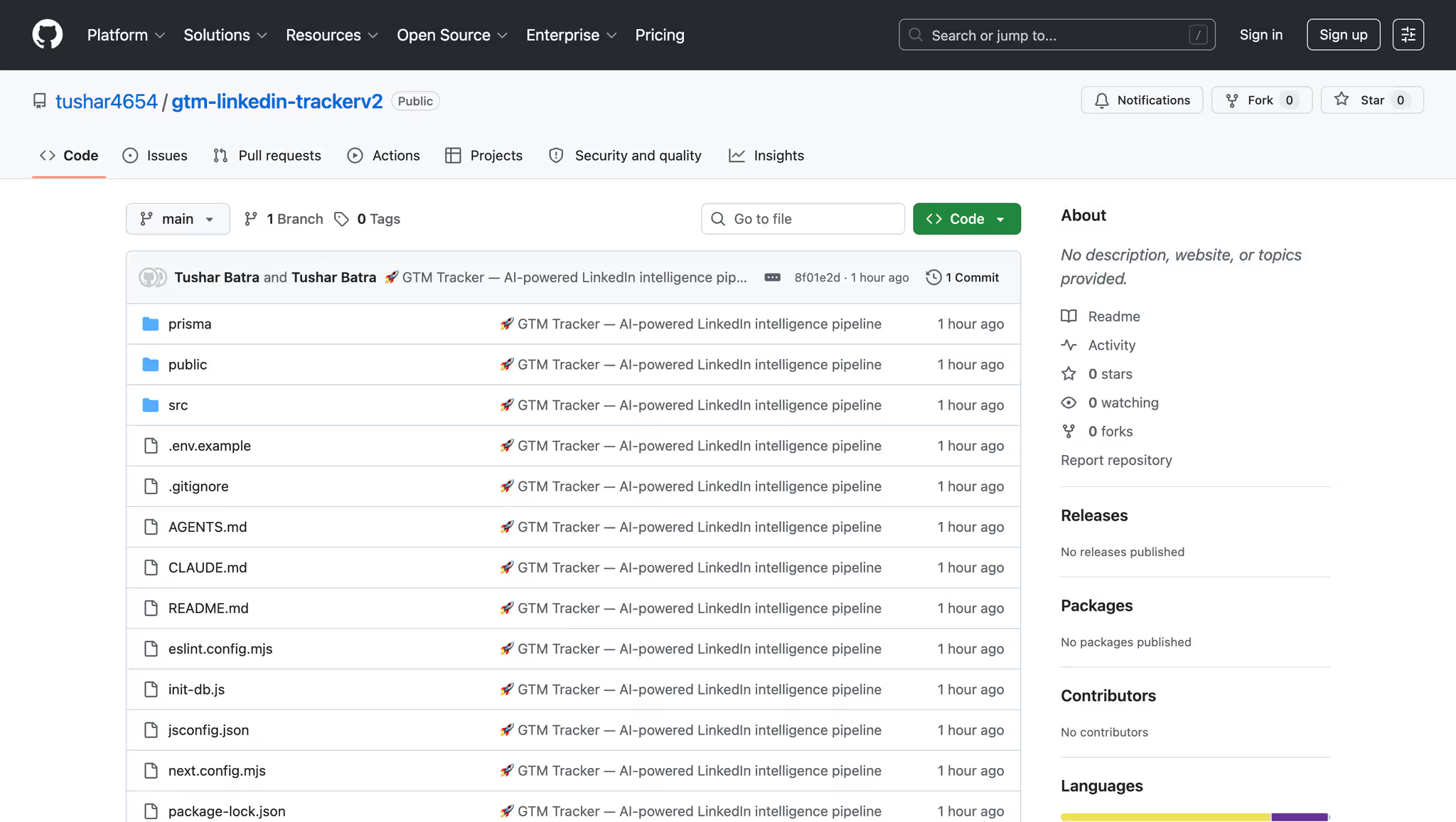
git clone <https://github.com/YOUR_USERNAME/gtm-linkedin-tracker.git>
cd gtm-linkedin-tracker
npm install
2. Configure Environment
cp .env.example .envEdit .env and add your API keys:
3. Initialize Database
npx prisma db push
4. Run
npm run dev
📖 How It Works
Step 1: Add Profiles
Go to Profiles → Add LinkedIn profile URLs of the thought leaders you want to track.
Step 2: Configure Your ICP
Go to Settings → Define your company context:
- Company name & value proposition
- Target buyer roles (VP Sales, CTO, etc.)
- Anti-ICP signals (Recruiter, Student, etc.)
- Target company size
Step 3: Sync & Scrape
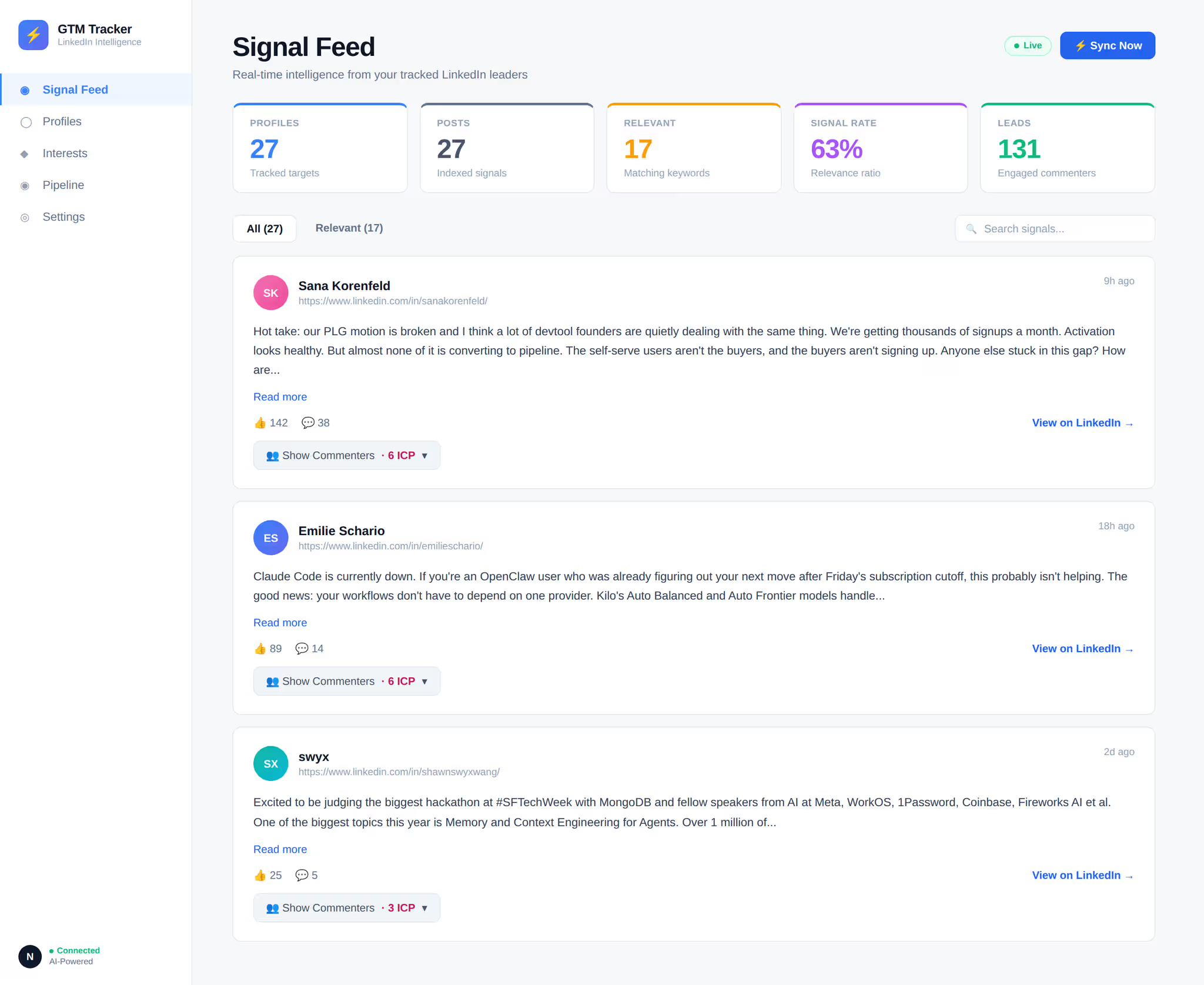
Click ⚡ Sync Now on the Signal Feed to:
- Fetch the latest posts from tracked profiles
- Scrape all commenters from those posts
Step 4: Qualify Leads
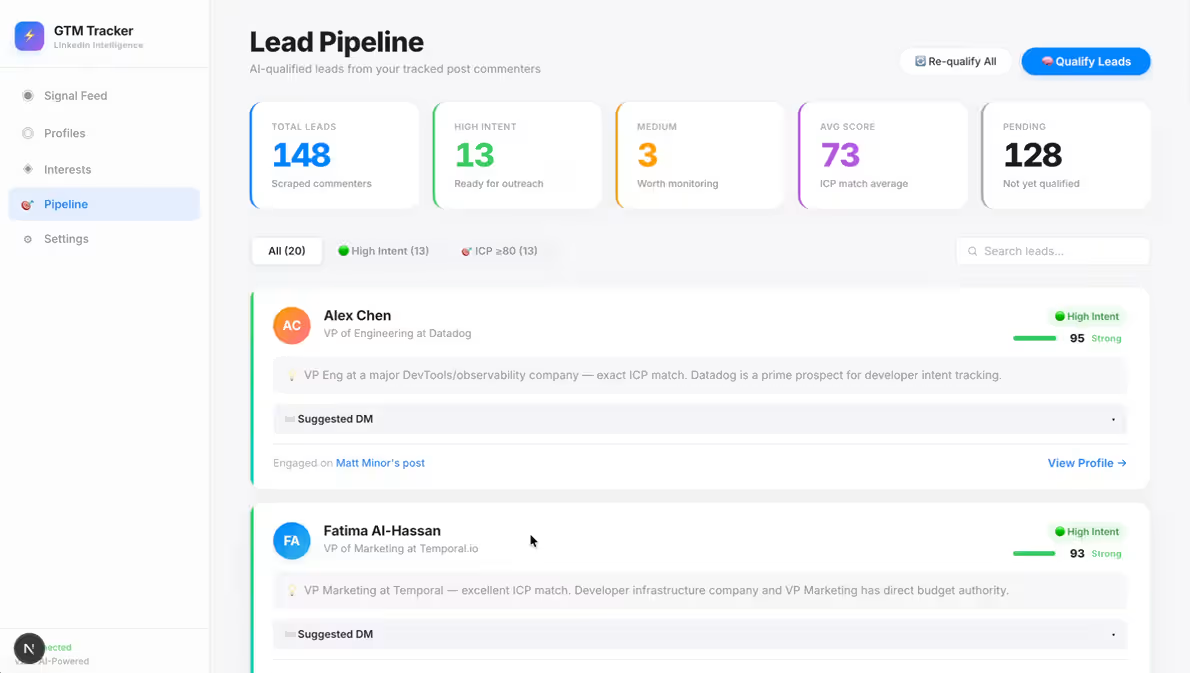
Go to Pipeline → Click 🧠 Qualify Leads to:
- Run all unscored commenters through the AI evaluator
- Each commenter gets an ICP score (0-100), intent level, reasoning, and a personalized DM draft
Step 5: Outreach
Browse your qualified leads, filtered by intent level and ICP score. Copy the AI-drafted DM and reach out on LinkedIn.
🏗️ Tech Stack
- Framework: Next.js 16 (App Router)
- Database: SQLite via Prisma ORM
- Scraping: Apify (LinkedIn profile posts + post comments actors)
- AI: Google Gemini 2.0 Flash (structured JSON output)
- Styling: Vanilla CSS with Apple-inspired design system
📁 Project Structure
├── prisma/
│   └── schema.prisma          # Database schema
├── src/
│   ├── app/
│   │   ├── api/
│   │   │   ├── context/       # Company ICP context CRUD
│   │   │   ├── pipeline/      # Qualified leads endpoint
│   │   │   ├── qualify/       # LLM qualification trigger
│   │   │   ├── posts/         # Posts + commenters
│   │   │   ├── profiles/      # Profile management
│   │   │   ├── sync/          # Apify sync pipeline
│   │   │   └── interests/     # Interest keyword filters
│   │   ├── pipeline/          # Lead Pipeline UI
│   │   ├── settings/          # ICP Configuration UI
│   │   ├── interests/         # Interest Filters UI
│   │   ├── profiles/          # Profile Management UI
│   │   ├── layout.js          # App shell + sidebar
│   │   ├── page.js            # Signal Feed (dashboard)
│   │   └── globals.css        # Design system
│   └── lib/
│       ├── apify.js           # Apify scraper integration
│       ├── llmEvaluator.js    # Gemini AI qualification engine
│       └── prisma.js          # Database client
├── .env.example               # Environment template
└── package.json
💰 Cost Estimates
🔧 Configuration
Changing the LLM Provider
The evaluator in src/lib/llmEvaluator.js uses Google Gemini by default. To use a different provider, modify the callGemini() function to point to the OpenAI or Anthropic API instead.
Adjusting Qualification Batch Size
Edit BATCH_SIZE in src/lib/llmEvaluator.js (default: 15 commenters per LLM call).
Custom System Prompts
Use the Settings → Custom AI Instructions field to add domain-specific context like competitor names, tech stack preferences, or geographic targeting.
📝 License
MIT
🤝 Contributing
PRs welcome! Please open an issue first to discuss what you'd like to change.
🎬 See It In Action
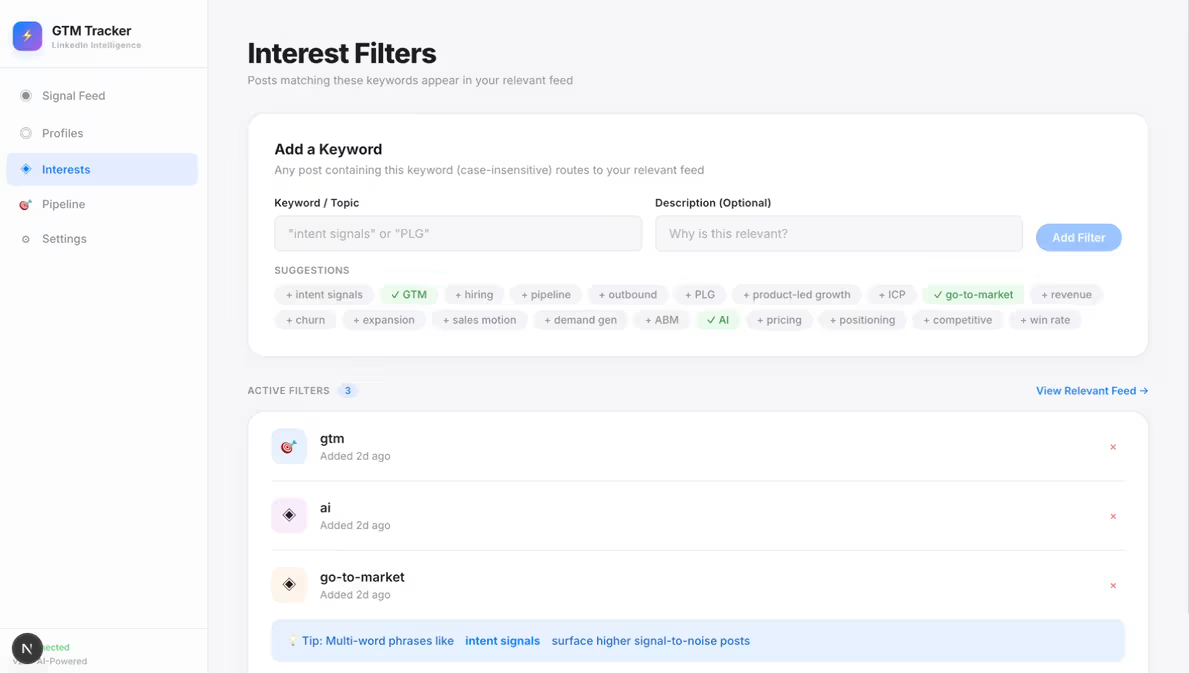
Here’s a sample walkthrough of how this looks like once its set up!
🔁 The Best Part
Surfacing warm leads is just one use case. The same setup is also pulling:
- Themes target buyers are leaning into week over week
- Topics heating up before they trend
- Competitive intel - which competitors keep getting named, and in what tone
- A live feed of what the category is actually thinking about
- Whatever signal the GTM team needs before a call
The output is a daily brief that turns a noisy feed into a structured intel layer. SDRs walk into every conversation already knowing what the buyer cares about!
🧠 Want More AI-GTM Ideas Like This?
Follow the team building this stuff every day:
→ [Reo.Dev]


